A terminal code editor that works like every other app you use. Ctrl+S saves. Ctrl+C copies. No cheat sheet required.
Why Pad
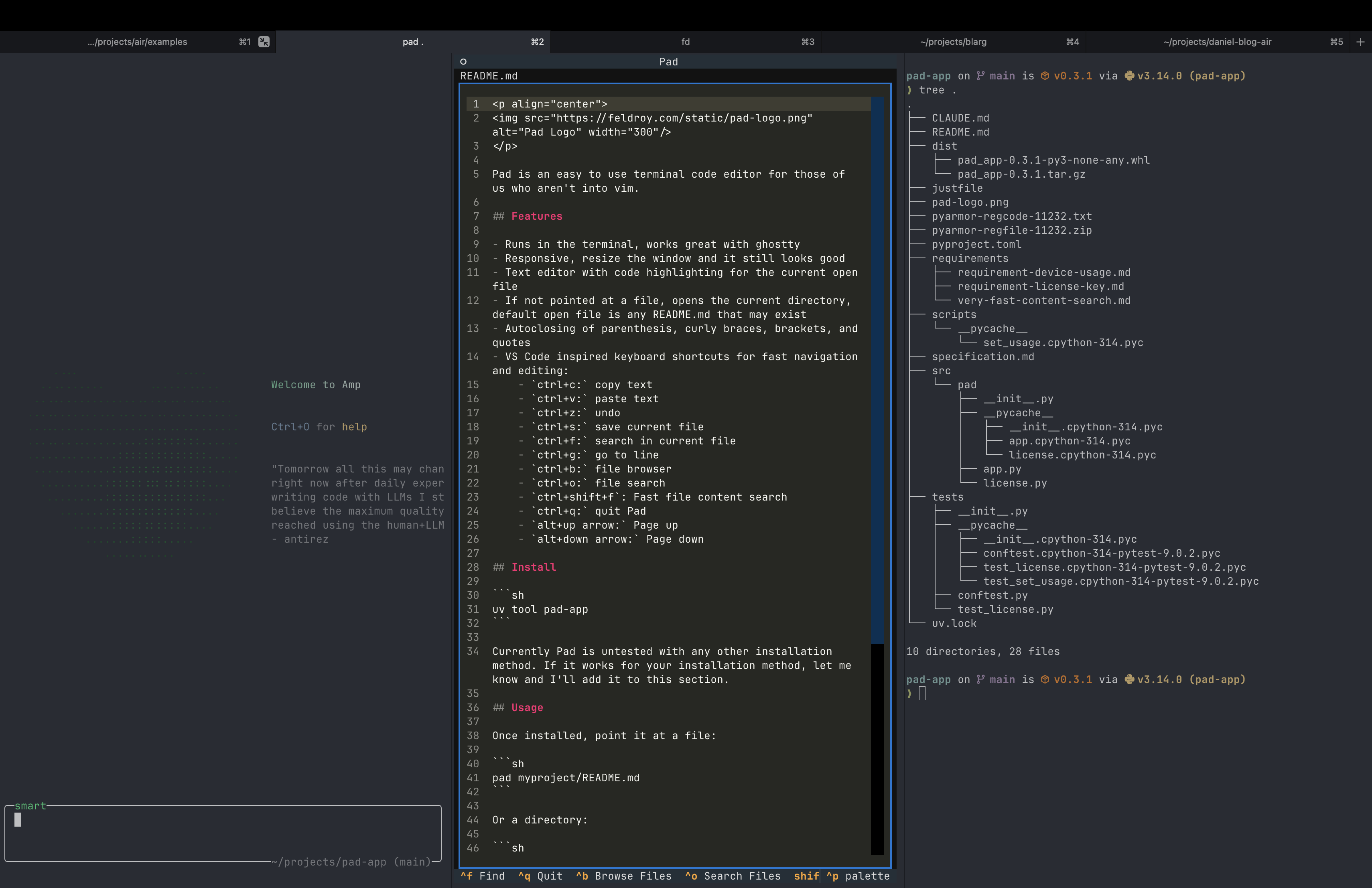
If you can use VS Code, you can use Pad. Same shortcuts, but it runs in your terminal.
SSH into a server? Edit right there. Split panes in Ghostty or iTerm? Pad fits perfectly.
Drag your terminal pane smaller. Pad reflows. No weird line wrapping or broken layouts.
Click to move your cursor. Drag to select. Scroll with your trackpad. Like a normal application.
Ctrl+C copies. Ctrl+V pastes. Ctrl+Z undoes. Ctrl+S saves. That's it. You're done learning.
Not an AI client. Not a git wrapper. Pad does one thing: let you edit code. Use your favorite tools for everything else.
No plugins. No config. No themes to download. Install it, run it, edit code. Done.
You're running Claude Code in one pane, tests in another, and you need an editor that doesn't fight for space. Pad was built for exactly this.
Need to make room? Drag your pane smaller. Pad reflows intelligently. The UI adapts. Nothing breaks, nothing scrolls off screen.
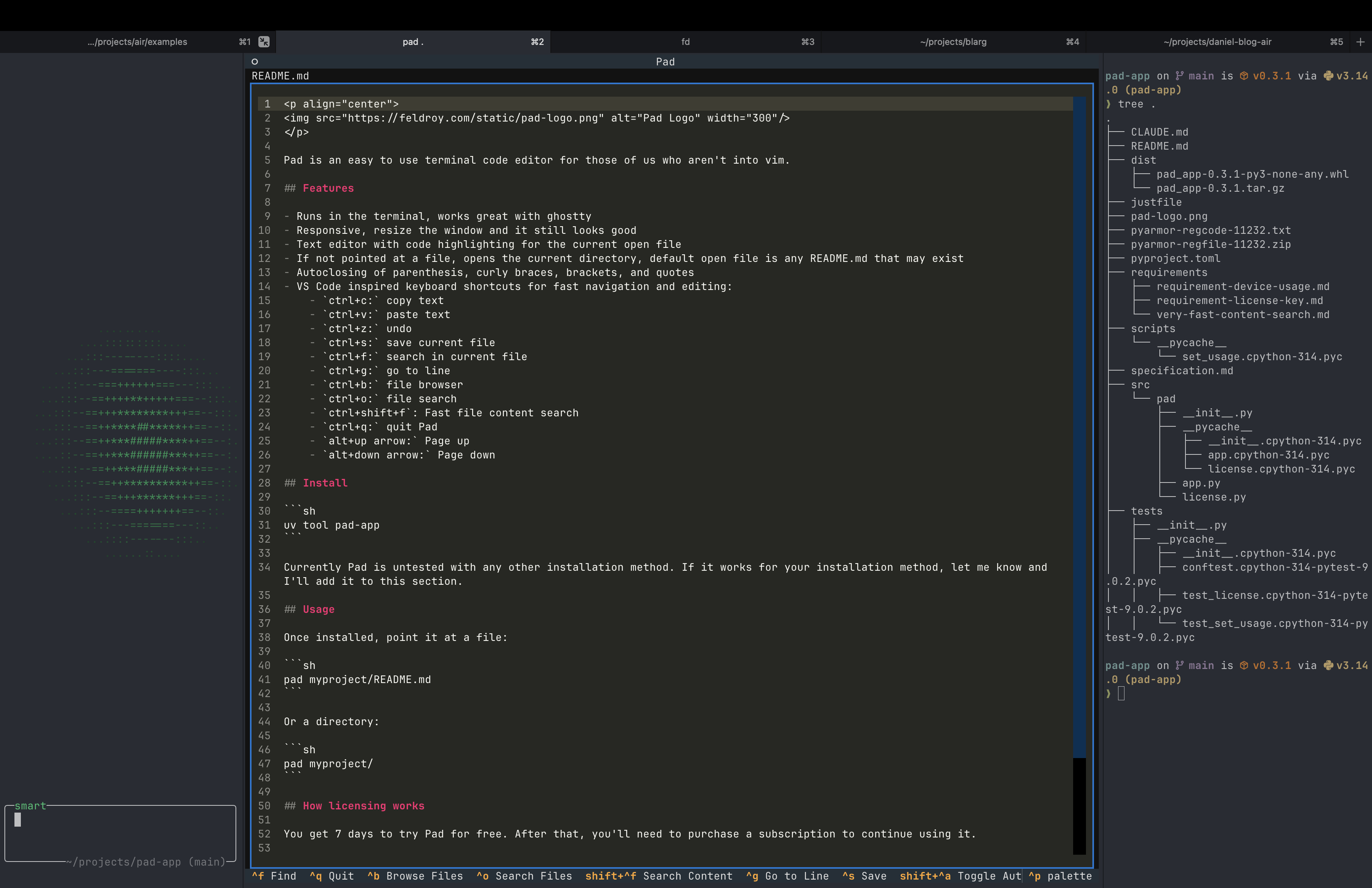
Claude gives you a code block. You copy it. You paste it into Pad. It works. No fighting with terminal escape sequences or broken formatting.
Keyboard Shortcuts
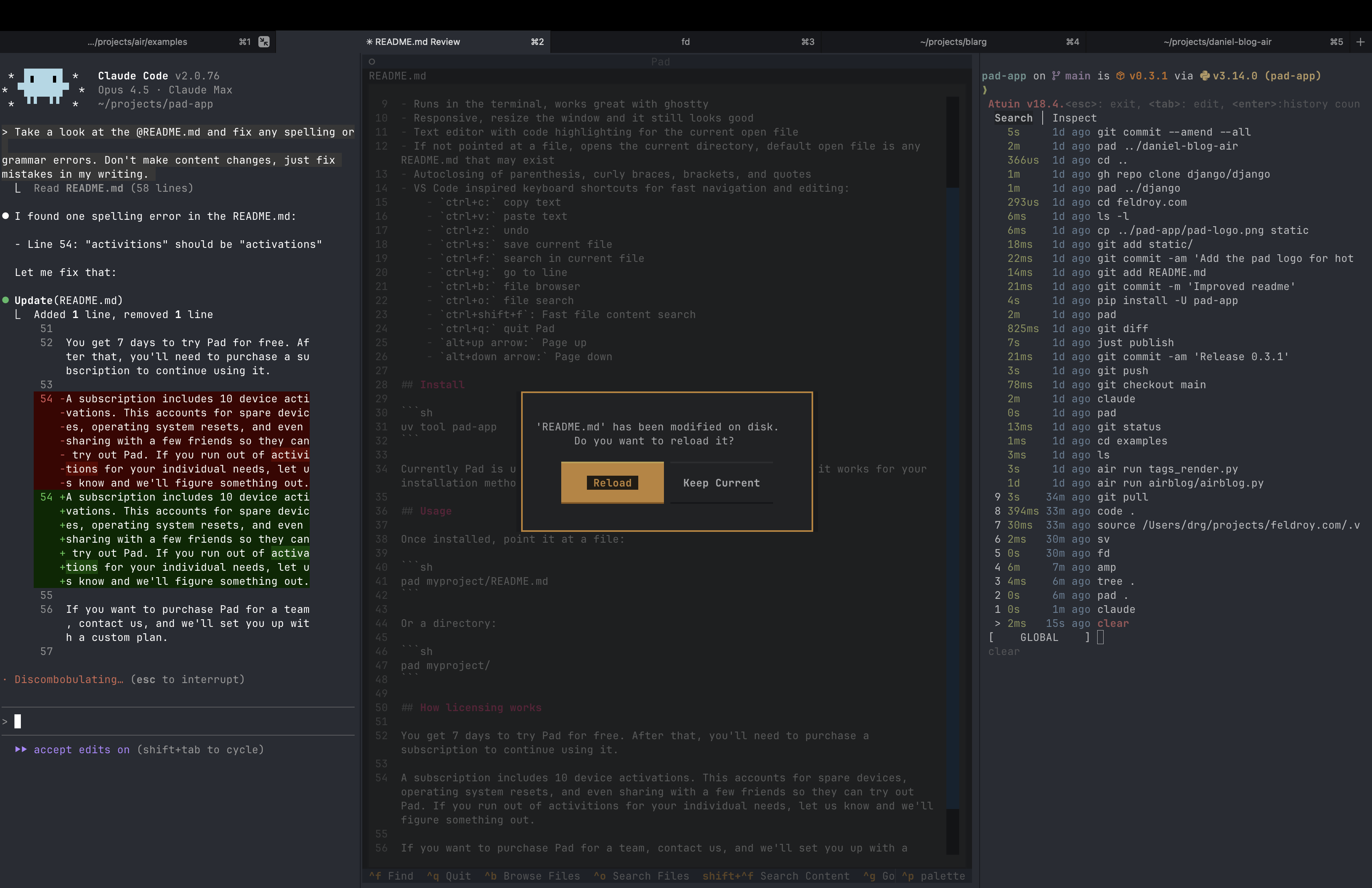
Every shortcut works exactly like you'd expect. VS Code muscle memory transfers directly. And search actually works on massive codebases - thousands of files, no slowdown.
Get Pad
No subscription. No "pro tier." One price, everything included.
Launch Price
$49
$29 USD
One-time payment. Yours forever.
30-day money-back guarantee. Try it risk-free.
Students get it free with a .edu email
